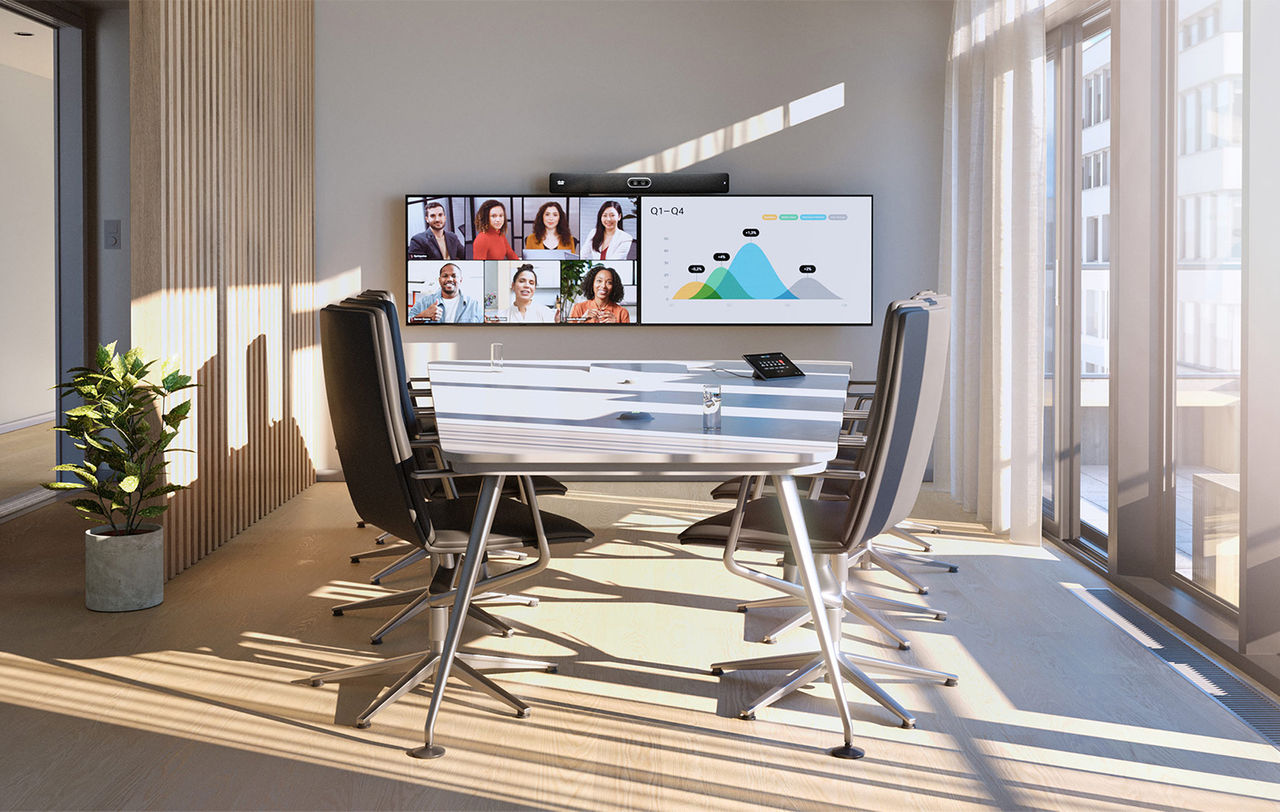
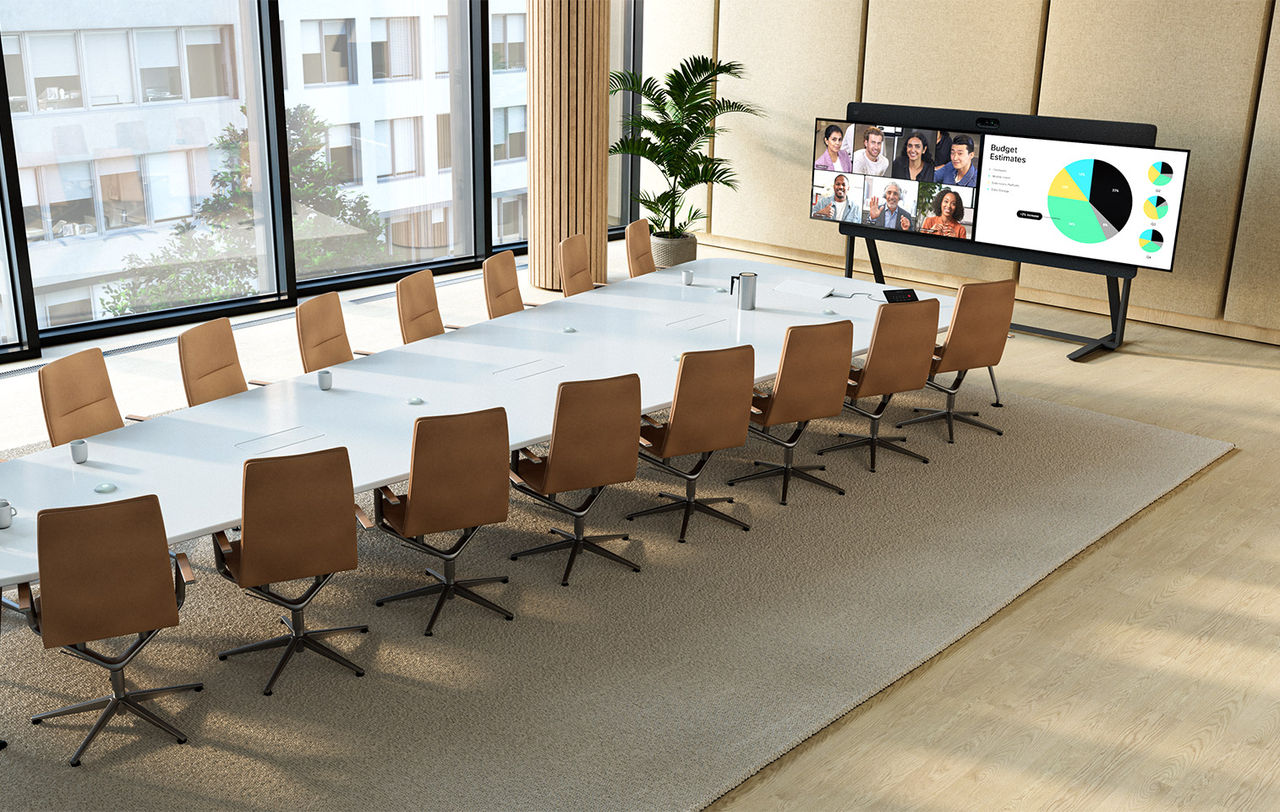
Start With Your Room
Consider the number of seats, room layout and how people share content.
Make meetings familiar across every office. We plan certified Teams Rooms configurations, room standards and deployment around your Microsoft environment, with ongoing support for your IT team.
 Room Planning for Microsoft Teams Rooms
Plan the user experience, platform fit and operational requirements together, before the first installation.
Consider the number of seats, room layout and how people share content.
Review Teams Rooms on Windows or Android, along with the appropriate devices and licensing.
Validate network readiness, document each room standard and agree the rollout, handover and support plan.

From focus rooms to boardrooms, define the right experience for the people on both sides of the call.
Camera coverage, audio clarity and a touch controller that is easy to use.
Plan central device visibility, supported remote troubleshooting and update policies with your IT team. Confirm tools and licences for the chosen configuration.
Upgrading your workplace, opening a Singapore office or planning a relocation? Build a solution your people can use with confidence and your IT team can support as you grow.
Tell us your locations, priorities and timeline. We will help define the next steps.